Westeros
The 'A Song of Ice and Fire' Domain
News
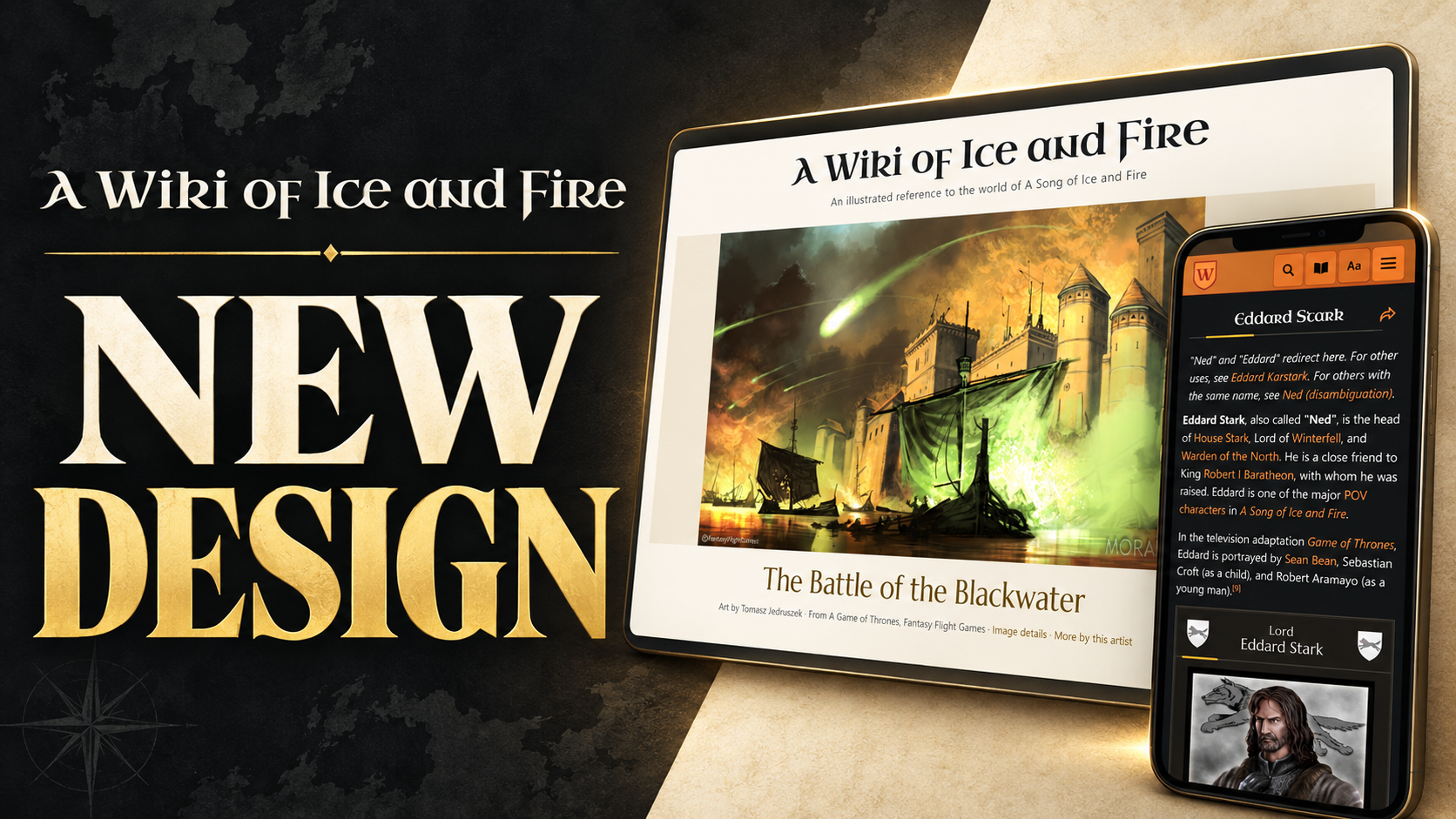
A Wiki of Ice and Fire has had a major upgrade! Alongside bringing the wiki’s underlying software up to date, we’ve refreshed its appearance and added features to make it easier to explore, read and contribute to.
We took major inspiration from the Citizen skin and the terrific Tolkien Gateway and its use of Citizen. Their work helped guide our approach as we developed our own Tweeki-based skin, retaining a distinctly Wiki of Ice and Fire identity.
The video gives you a quick tour:
A few highlights:
- Themes and Dark Mode. Choose light, dark or automatic appearance, adjust the reading size, and declare your allegiance with house-inspired color themes. You can also turn new animations off.
- Find more of what you’re looking for. Improved search and suggestions help you find pages, while related-article recommendations offer suggested articles.
- Browse more comfortably on mobile. Navigation, article contents and page layouts have been reworked for smaller screens. You can also choose to keep the navigation bar visible as you scroll.
- Explore refreshed portals and articles. Redesigned subject portals, more consistent infoboxes and improved typography bring greater clarity to the wiki’s enormous collection of information.
- Take a closer look at the artwork. The multimedia viewer lets you open illustrations in a larger view, with image details and credits close at hand.
- Share your discoveries. New sharing controls make it easier to pass an interesting page along to someone else.
- Better portals. Several of the major portals have been given a more granular set of filters to help explore the articles.
For contributors, VisualEditor provides a visual way to edit pages, alongside the familiar source editor.
Thank you to everyone who helped test the changes, and to the editors whose work makes the wiki what it is!
Please have a look around and tell us what you think!
Tags: Wiki of Ice and Fire, Westeros.org, Update Site Updates | PermaLink